AI Video Editor
Client
Worbler.ai
Industry
AI
Timeline
9 months
Deliverable
iOS App, Web App
An AI-powered video editor with intelligent audio tools and creative effects.

Overview
As Worbler's video editor evolved, its AI tools became scattered across the app, making them harder to find and disrupting the editing experience.
I led the redesign across the web and native iOS app, creating a more seamless editing experience and a scalable foundation for future features.
Problem
Despite having powerful AI features, users struggled to actually use them.
The editor couldn't keep up with rapid feature expansion. As new features were introduced, they were added wherever space allowed, creating a disconnected experience that was difficult to navigate.
Tools were difficult to find and discover
Navigation became deep and unpredictable
AI features lacked clarity and context
The interface struggled to scale as new tools were added.
Goal
Create a scalable editing experience where AI tools are easy to find, understand, and use.
opportunity
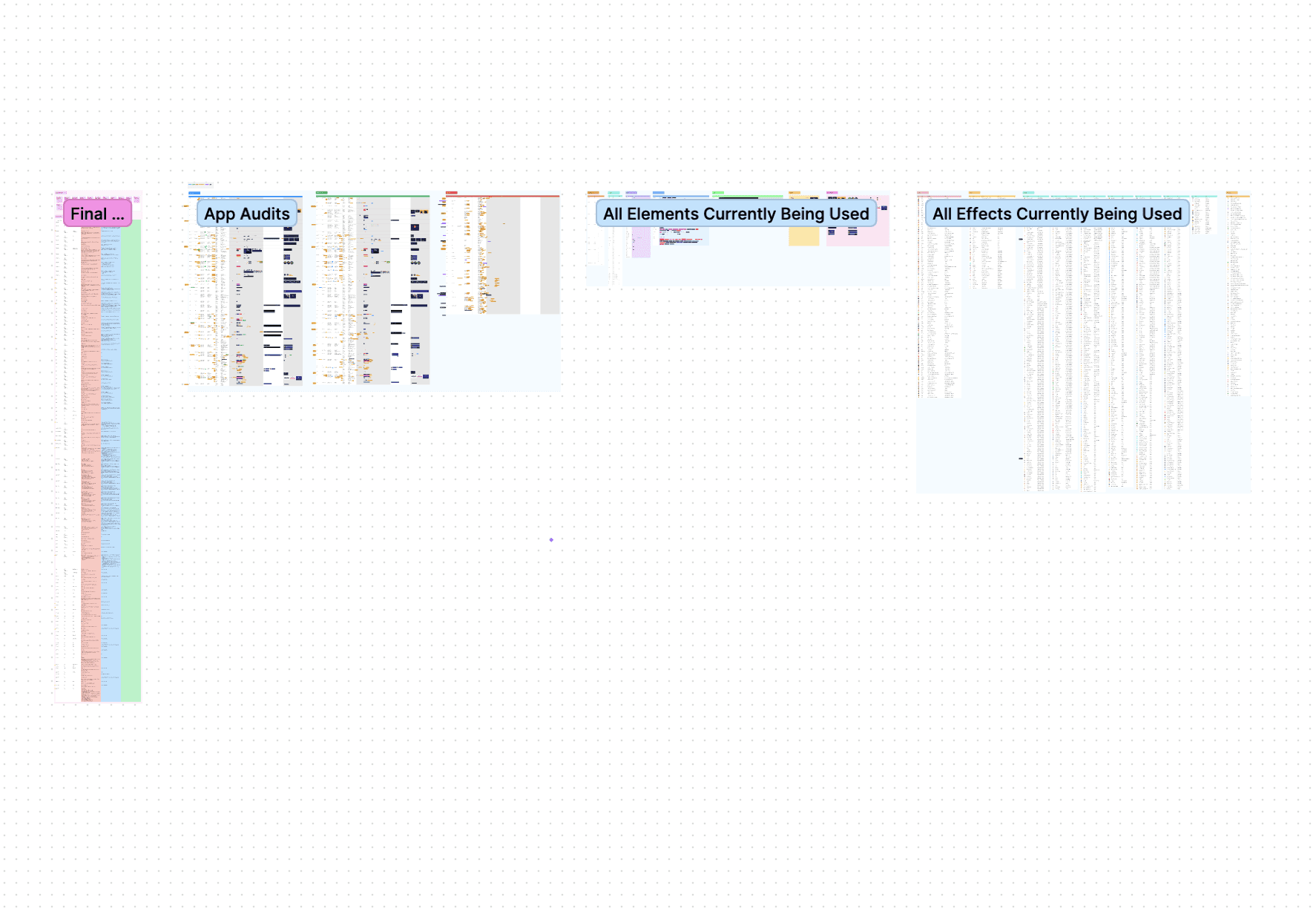
After auditing the existing app, a few key issues stood out:
Deep navigation - Tools were buried and forced users to leave their editing flow.
Low discoverability - Tools were scattered throughout the editor, making new features difficult to find and easy to overlook.
Lack of clarity - Many AI features relied only on ambiguous icons, giving users little context for what they did.
Inconsistent Interface - Different components, typography, and visual styles weakened hierarchy and made the editor feel messy.
Design Prep
We came up with some design principals to guide the redesign
Scalability - The design should easily scale to support future AI features.
Discoverability - AI tools should be easy to find without interrupting the flow.
Clarity - Users should understand what each tool does before they use it.
Consistency - Unify patterns and components to create a more predictable experience.
Design
Unified Toolbox
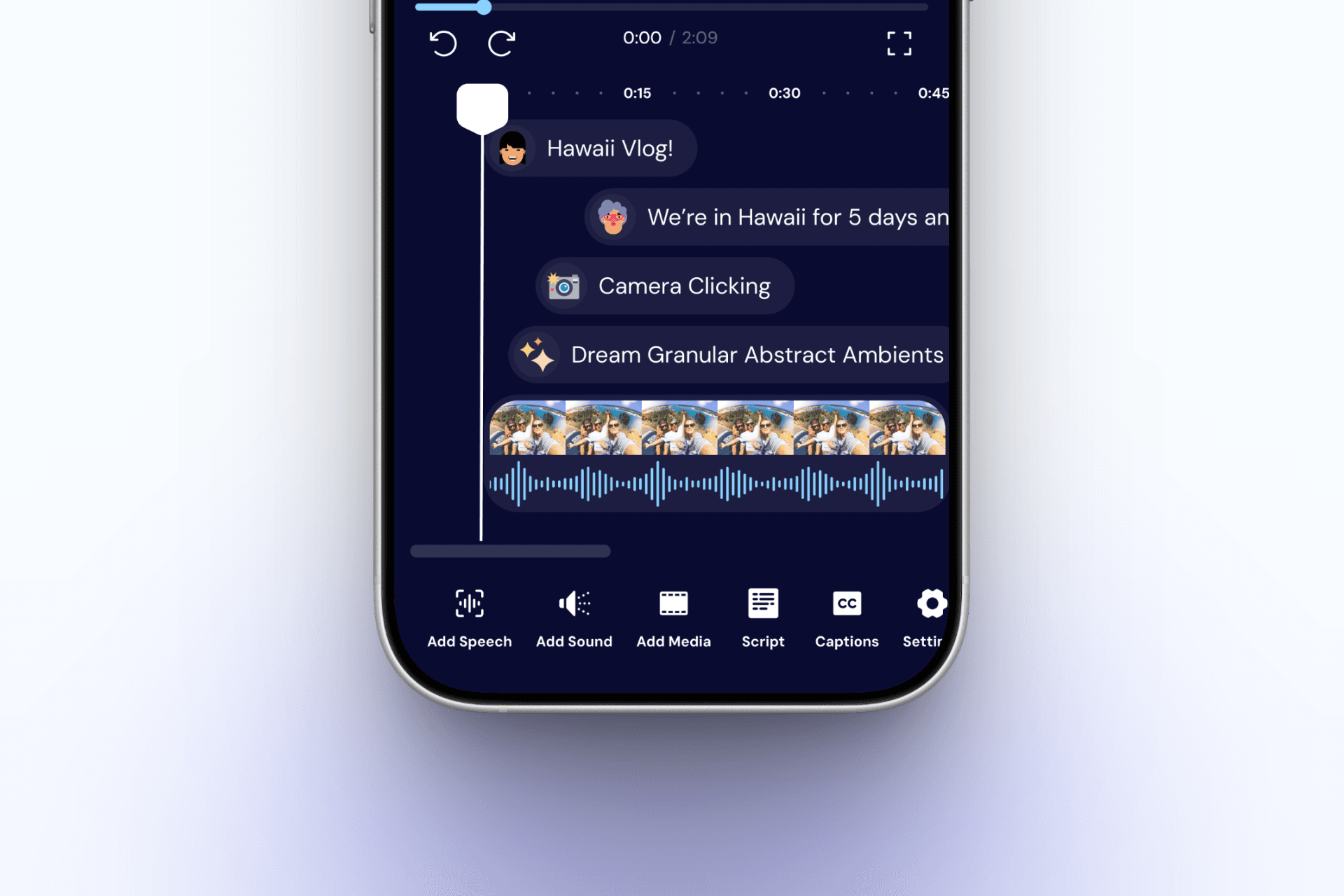
I moved AI and clip-based tools into a centralized toolbar, giving users one consistent place to access editing controls across the app.
This reduced navigation, kept users in context, and created a flexible structure that could support new tools as the product expanded.
Context-Aware Toolbar
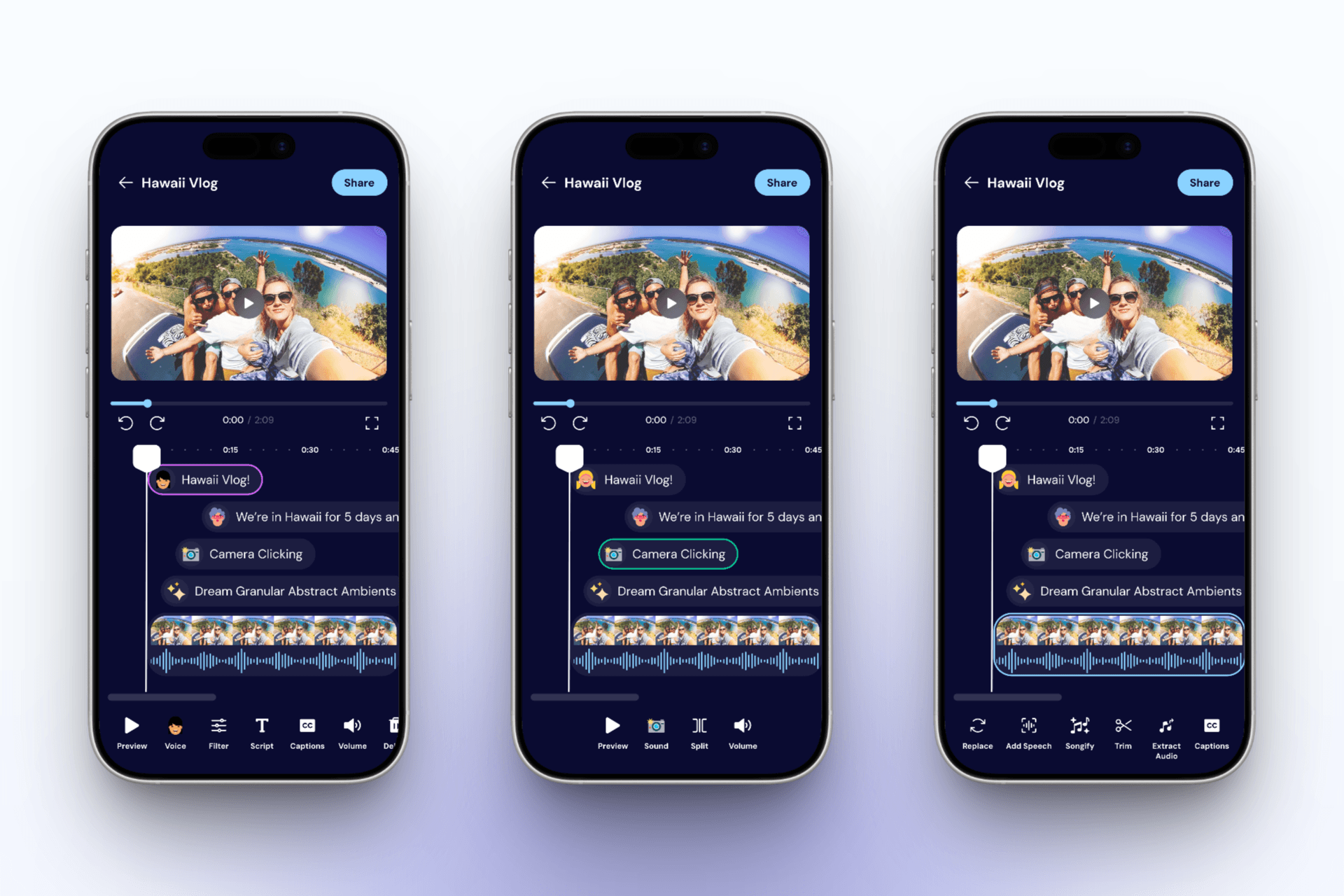
To prevent the toolbar from becoming overwhelming, I introduced dynamic tool states that adapt based on what users select.
The toolbar only displays relevant actions, helping users focus on the task at hand while keeping them in context.
Simplified Editing Flow
Instead of sending users into separate screens, most AI tools were brought directly into the editing flow. This helped users experiment faster while maintaining context throughout the creative process.
Results & Impact
The redesign created a clearer foundation for Worbler's growing set of AI features.
Improved discoverability by giving AI tools a consistent place within the editing workflow.
Reduced complexity by keeping users in context while editing.
Established a scalable structure for future features across web and iOS.

