_ projects
/
Worbler.ai
AI Video Editor
An AI-powered video editor with intelligent audio tools and creative effects.
Overview
This AI-powered video editing app offers AI tools like voice generation, text-to-speech, and audio filters. As the product evolved, these tools were introduced as separate experiences, making them difficult to discover and use within the editing workflow.
I led a complete redesign of the app, working closely with developers and stakeholders to improve usability and support future feature scalability.
Problem
Despite having powerful AI features, users struggled to actually use them.
Tools were buried deep in the interface
Navigation felt complex and inconsistent
AI features lacked clarity and context
This led to low discoverability and disrupted editing workflows.
Goal
Make AI tools easy to find, understand, and use, without disrupting the editing experience.
Key Issues
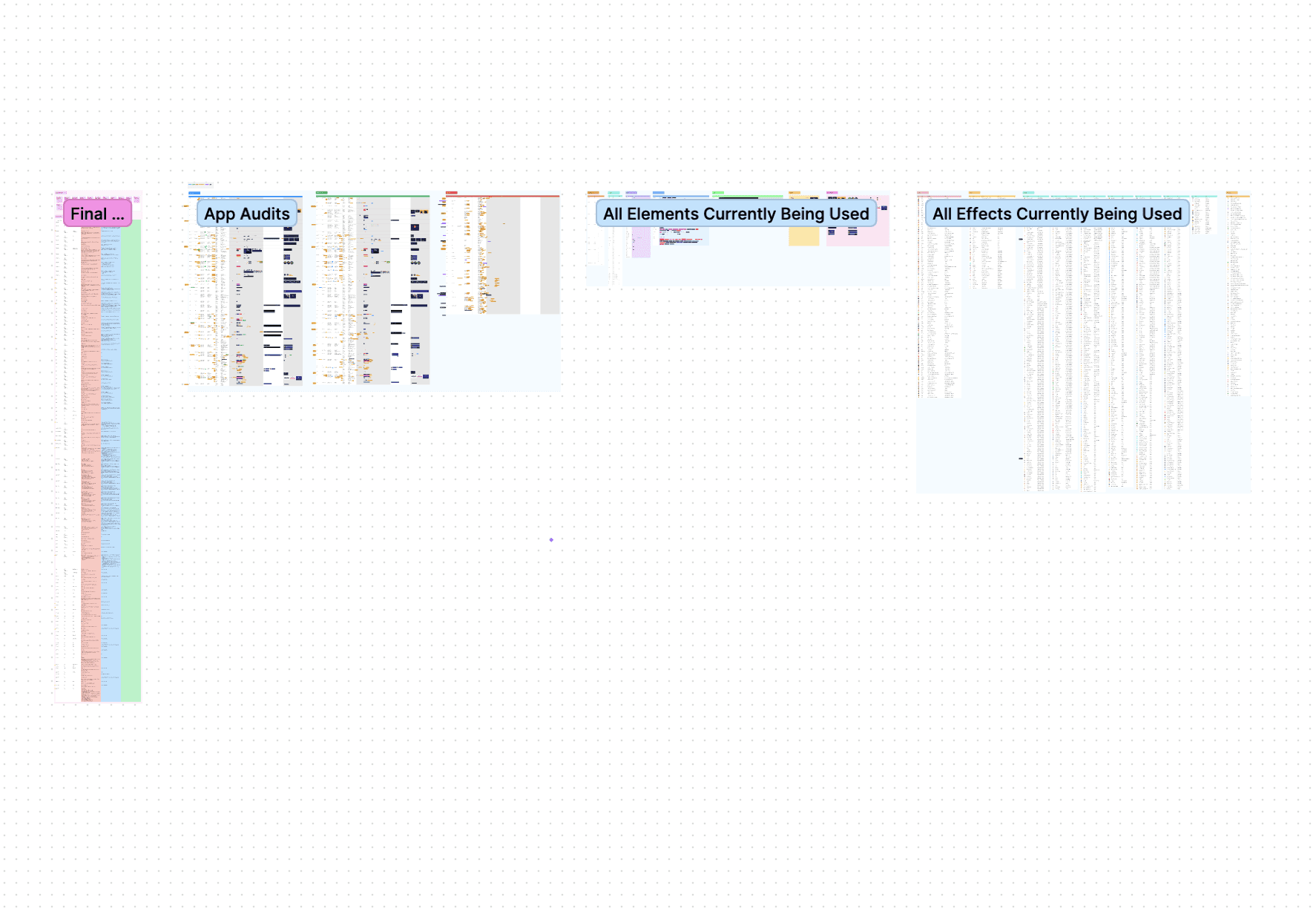
After auditing the app and mapping the editor structure, a few key issues stood out:
Deep navigation - Tools were hidden in nested menus, forcing users to leave the editing context and breaking their workflow.
Lack of context for AI tools - Users didn’t understand what features like voice filters actually did.
Inconsistent UI - Multiple colors, typefaces, and components created weak hierarchy and visual noise.
Unclear iconography - Many tools relied on abstract icons, forcing users to guess.
Design Principals
After reviewing the pain points, I developed a set of design principles to help guide our redesign.
Discoverability - Tools should be easy to find at any time
Clarity - Users should understand what each tool does instantly
Consistency - Unify the design system and UI patterns
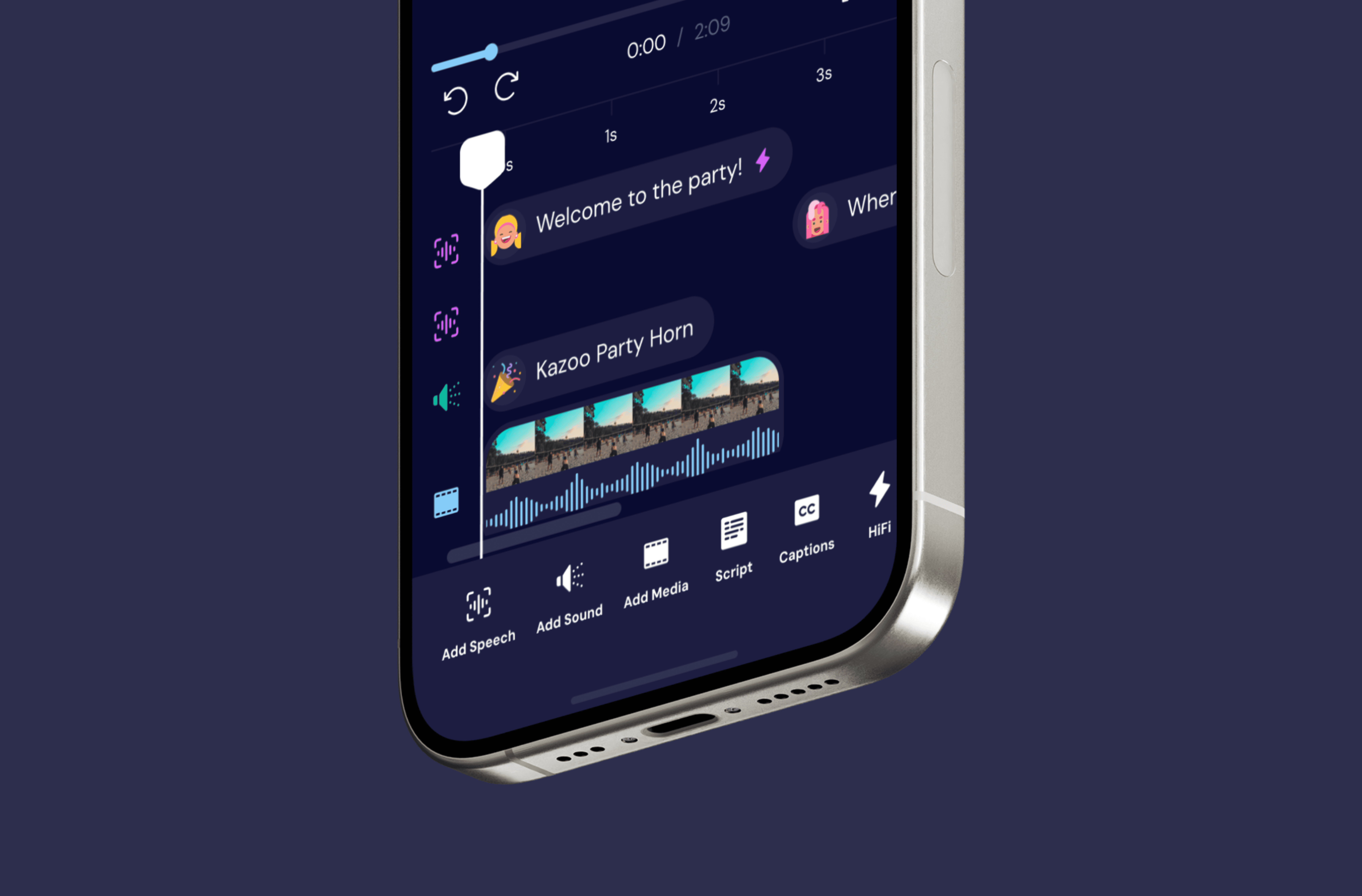
Centralized Toolbar
I moved all clip-related tools into a bottom toolbar, giving users one-tap access from anywhere in the editor. This approach aligns with common mobile editing patterns, reducing the learning curve and improving speed of access.
Reduced navigation depth
Improved speed and efficiency
Cleared up header space and reduced clutter
Scales easily as new tools are added
Dynamic Tool States
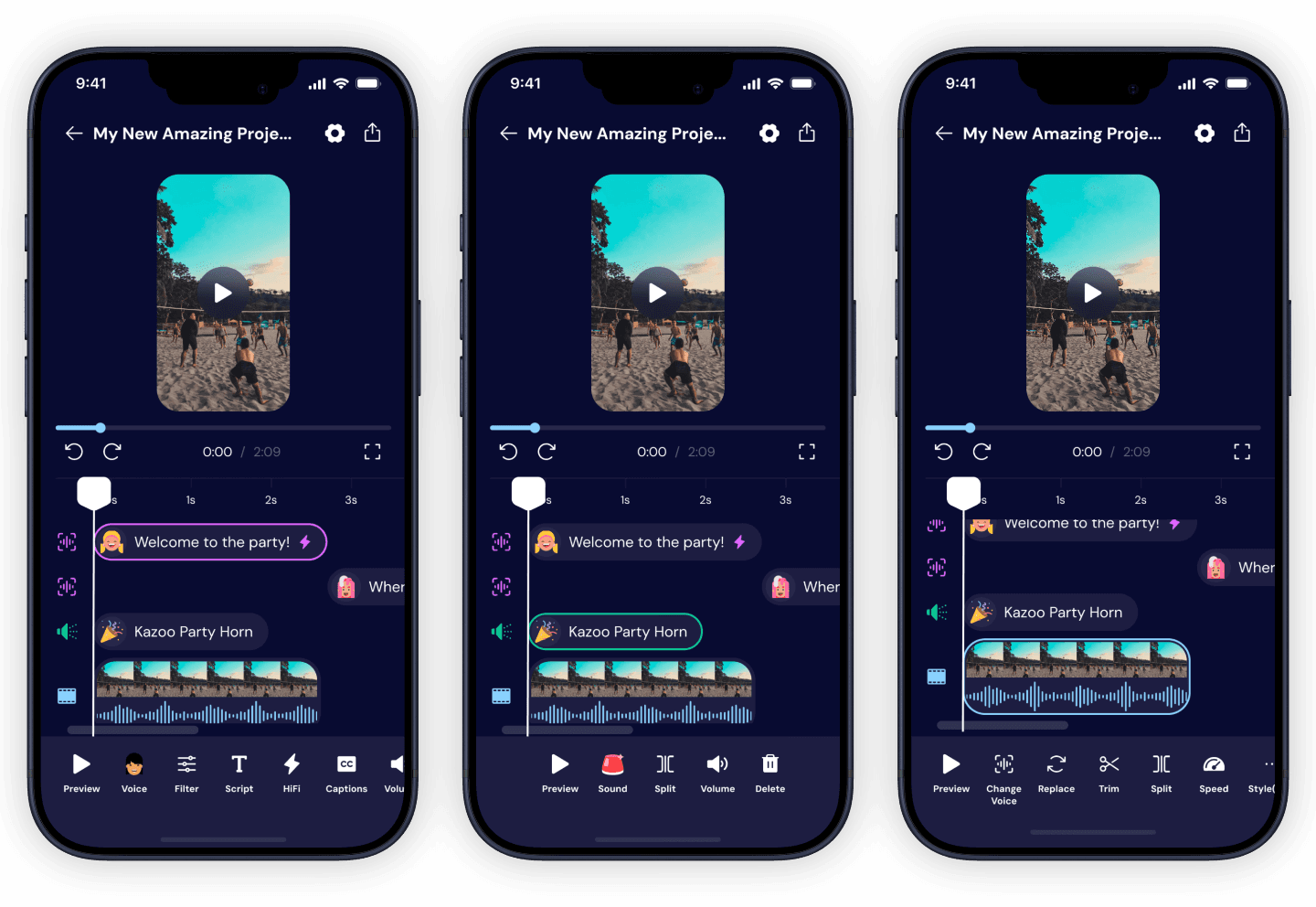
While surfacing more tools in the toolbar increased accessibility, it risked adding visual clutter. To balance this, I introduced dynamic states that only show relevant tools based on selection.
The toolbar adapts based on what type of clip the user selects on the timeline.
Shows only relevant tools
Reduces overwhelm
Keeps users focused on the current task
Scales easily as new features are added
Simplified Editing Flow
Instead of sending users into separate screens or flows, most tools now work within the editor.
Maintains context while editing
Speeds up workflows
Makes interactions feel more lightweight and intuitive
Results & Impact
Improved tool discoverability
Created a scalable structure for future AI features
Project details
Client
Worbler.ai
Date
2024
Industry
AI
Deliverable
Native iOS App, Web App
Design System
User Flows
Research
User Testing
Comment

Madison
In compliance with NDAs, identifiable information has been anonymized. This case study reflects my perspective and not necessarily the client's.